16 Oct 2026
Post by Seraphiel
Introduction
The iPhone home button plays a vital role in the seamless functioning of your device, offering easy navigation and quick access to numerous features. Despite its importance, users often encounter problems with the home button over time, ranging from unresponsive behavior to complete failure. Such issues can disrupt the user experience significantly. This comprehensive guide will help you understand common causes, explore easy fixes you can try at home, and determine if it’s time to seek professional help. Moreover, we’ll share preventative measures to help you avert future problems.
Common Causes of iPhone Home Button Problems
Understanding the cause of your iPhone’s home button issue is crucial in finding a suitable solution. Here are some prevalent causes:
-
Software Glitches: Software bugs and glitches often affect the responsiveness of the home button. Issues may arise following iOS updates due to installation errors.
-
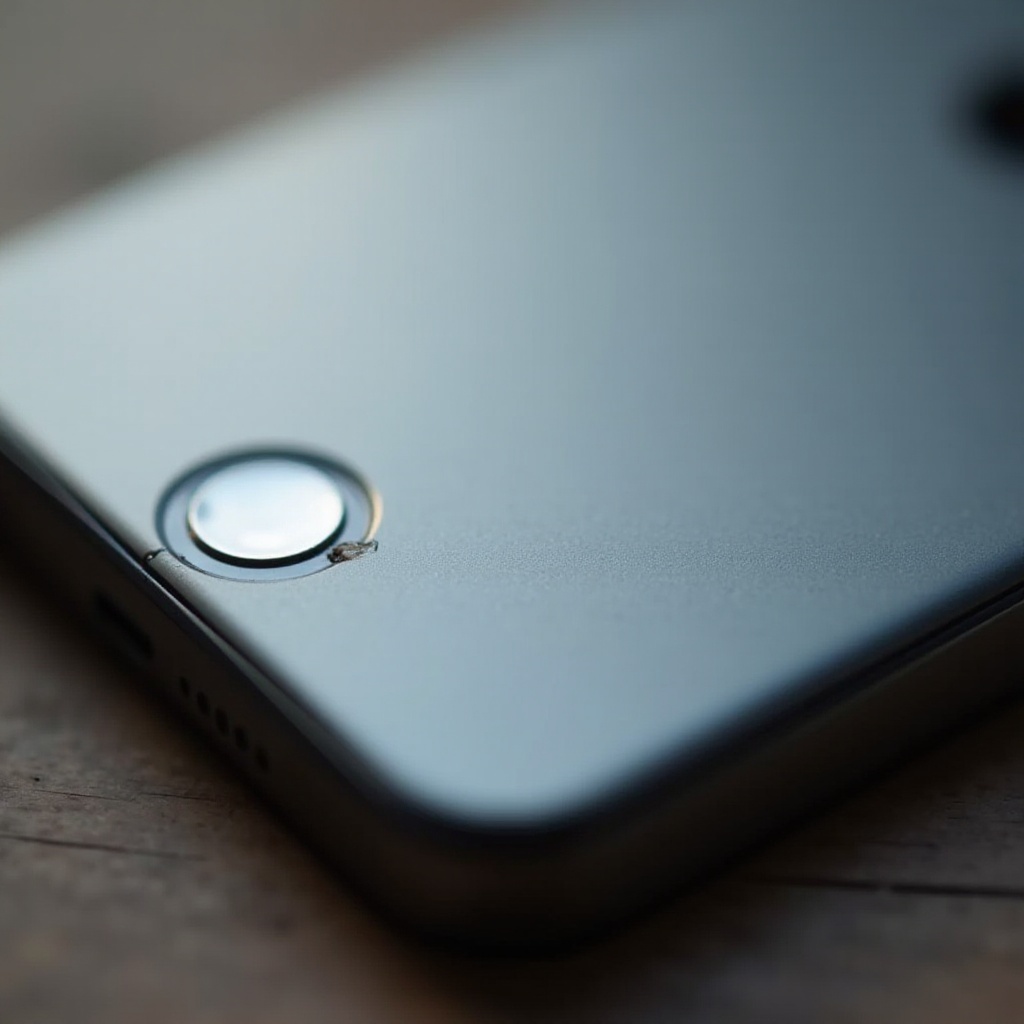
Accumulated Dirt and Dust: Over time, debris and dust can accumulate around the home button, causing mechanical unresponsiveness.
-
Moisture Damage: Water or humidity exposure can lead to internal damage, causing the home button to malfunction. Corroded components may result in inconsistent performance.
-
Physical Damage: Dropping your iPhone or subjecting it to stress can harm the home button’s internal components, impairing its functionality.
-
Wear and Tear: Extended usage can gradually degrade mechanical components, leading to breakdown.
Recognizing the underlying issue, whether software or hardware-related, can guide your troubleshooting. Let’s look at the next section to explore potential software fixes.
Easy Software Fixes You Can Try at Home
Before considering hardware fixes or visiting a repair service, attempt these simple software solutions:
-
Restart Your iPhone: Though basic, rebooting your device can remedy minor glitches. Press and hold the power button and slide to power off. Once turned off, restart your phone and check the home button.
-
Update iOS: Ensure your iPhone is running the latest iOS version. Updates can resolve bugs affecting the home button. Navigate to Settings > General > Software Update to check for updates.
-
Calibrate the Home Button: Calibrate by holding the power button until the ‘slide to power off’ screen appears. Release the power button and hold the home button for 5-10 seconds until the open app closes.
If software solutions are unsuccessful, hardware issues might be the cause. Let’s delve into hardware troubleshooting solutions now.
Exploring Hardware Troubleshooting Solutions
If home button issues persist post-software troubleshooting, hardware checks are essential:
-
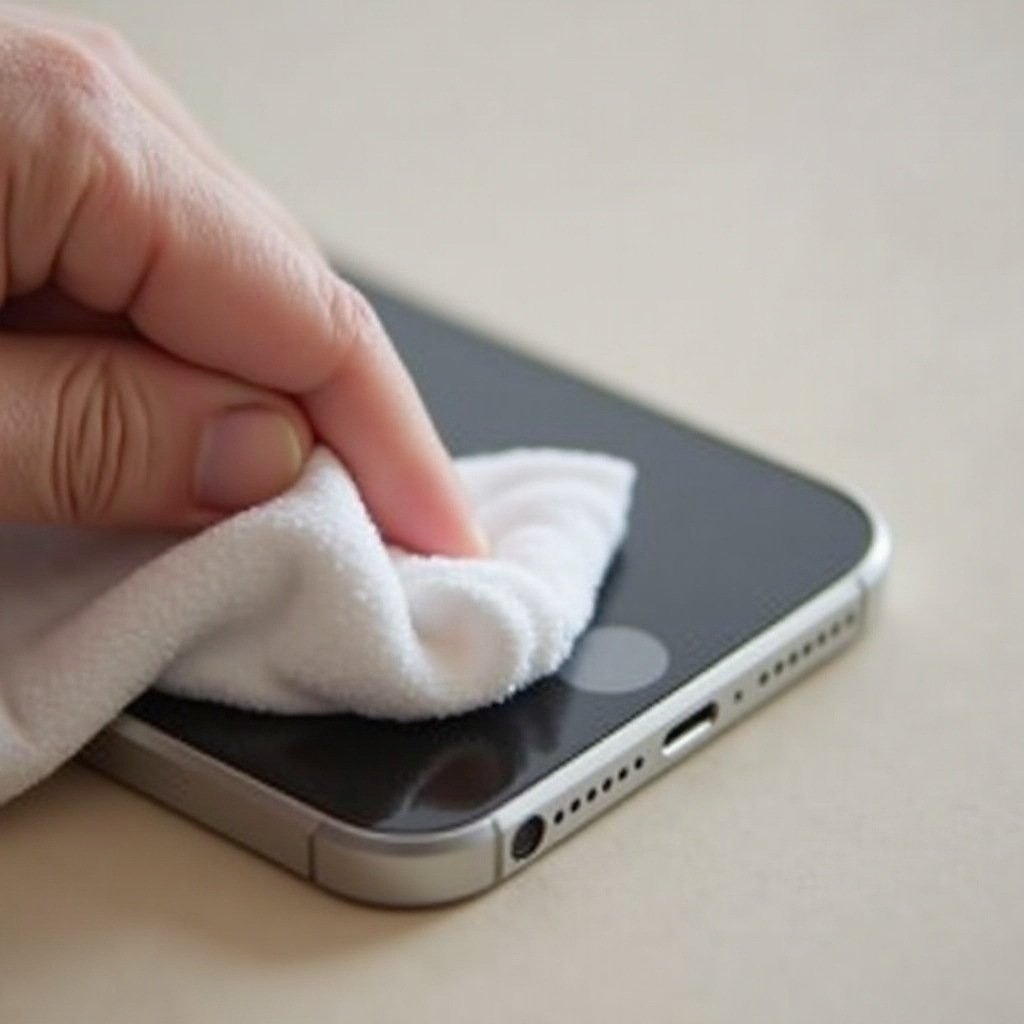
Clean the Home Button Area: Use a microfiber cloth with a small amount of isopropyl alcohol to clean the area around the home button. Avoid excessive liquid.
-
Check for Moisture Damage: Inspect for water damage signs around the button or inside the charging port. Moisture indicators within the SIM card slot may change color upon water contact.
-
Inspect for Physical Damage: Examine your device for visible physical damage. Cracked screens or damaged cases can exert pressure on the button.
If the hardware inspection reveals issues, professional services may be necessary, especially if your device is within warranty. In the following segment, we’ll consider the decision between professional repair and DIY options.
Professional Repair vs. DIY: Making the Right Choice
The choice between professional repair services and a DIY approach depends on several factors:
-
Warranty Status: If your iPhone is still under warranty, it’s advisable to opt for professional assistance from Apple or authorized providers since DIY repairs might void your warranty.
-
Skill Level: DIY repairs demand careful handling. Missteps can exacerbate damage. Assess your technical skills and confidence before embarking on repairs.
-
Cost Consideration: Professional repairs offer expertise but can be expensive, particularly outside of warranty. DIY kits are budget-friendly yet risky without professional acumen.
Weigh these factors carefully when deciding. In the upcoming section, discover preventative actions to avoid future home button issues.
Preventative Measures to Avoid Future Issues
Implementing prevention strategies can safeguard the longevity and functionality of your iPhone home button:
-
Regular Cleaning: Maintain cleanliness by routinely removing dust and debris. Clean button areas and ports with a microfiber cloth.
-
Use a Protective Case: A durable case can absorb shock during falls, safeguarding the home button from damage.
-
Limit Exposure to Moisture: Exercise caution around water and in humid environments. Employ waterproof pouches in risky conditions.
By adopting these preventative measures, you can enhance your home button’s lifespan and device performance optimization.
Conclusion
Experiencing home button troubles can be frustrating; fortunately, many are easily fixable. By understanding potential causes and applying straightforward software or hardware solutions, you can maintain optimal iPhone performance. Make informed choices between professional repairs and DIY ventures, while adopting preventative practices to mitigate future concerns.
Frequently Asked Questions
How do I know if my iPhone home button issue is software or hardware-related?
Start by testing software fixes such as restarting or updating iOS. If problems persist, perform hardware checks like cleaning and inspecting for damage.
Can I fix my home button problem without professional help?
Yes, try software solutions first. If you’re comfortable with DIY repairs and your warranty doesn’t cover the issue, attempt hardware fixes. Otherwise, seek professional services.
Is it safe to use third-party repair services for my iPhone home button?
While many third-party services are competent, it’s crucial to research their reputation. Keep in mind that using unauthorized services might void any existing warranty.