23 Jan 2026
Post by Seraphiel
Introduction
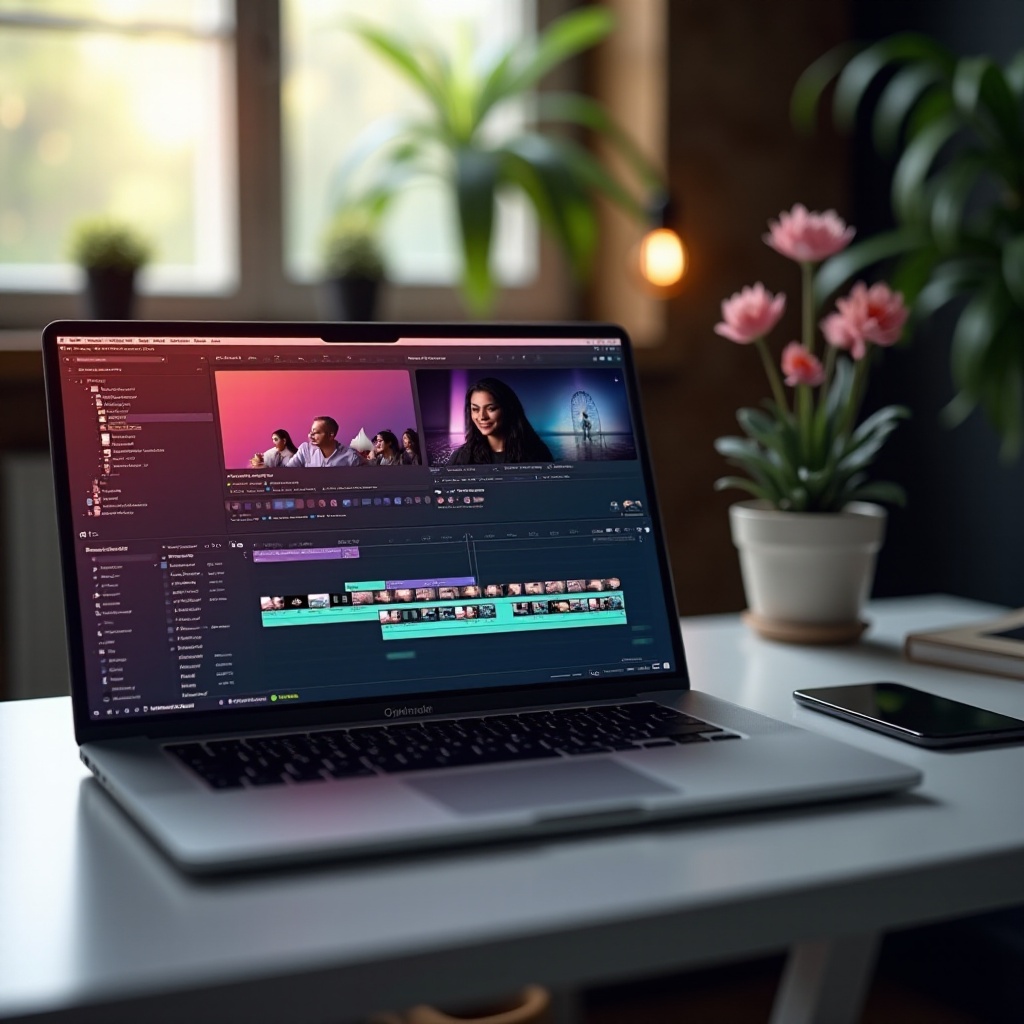
Creating engaging YouTube videos requires a laptop that can keep up with your creativity. A high-performance machine enhances your editing workflow, making tasks smoother and more efficient. But with so many options, how do you choose the right one? This guide will explore the essential features and top picks for video editing laptops in 2024, helping you make a choice that fits your creative needs.
Key Considerations for Video Editing Laptops
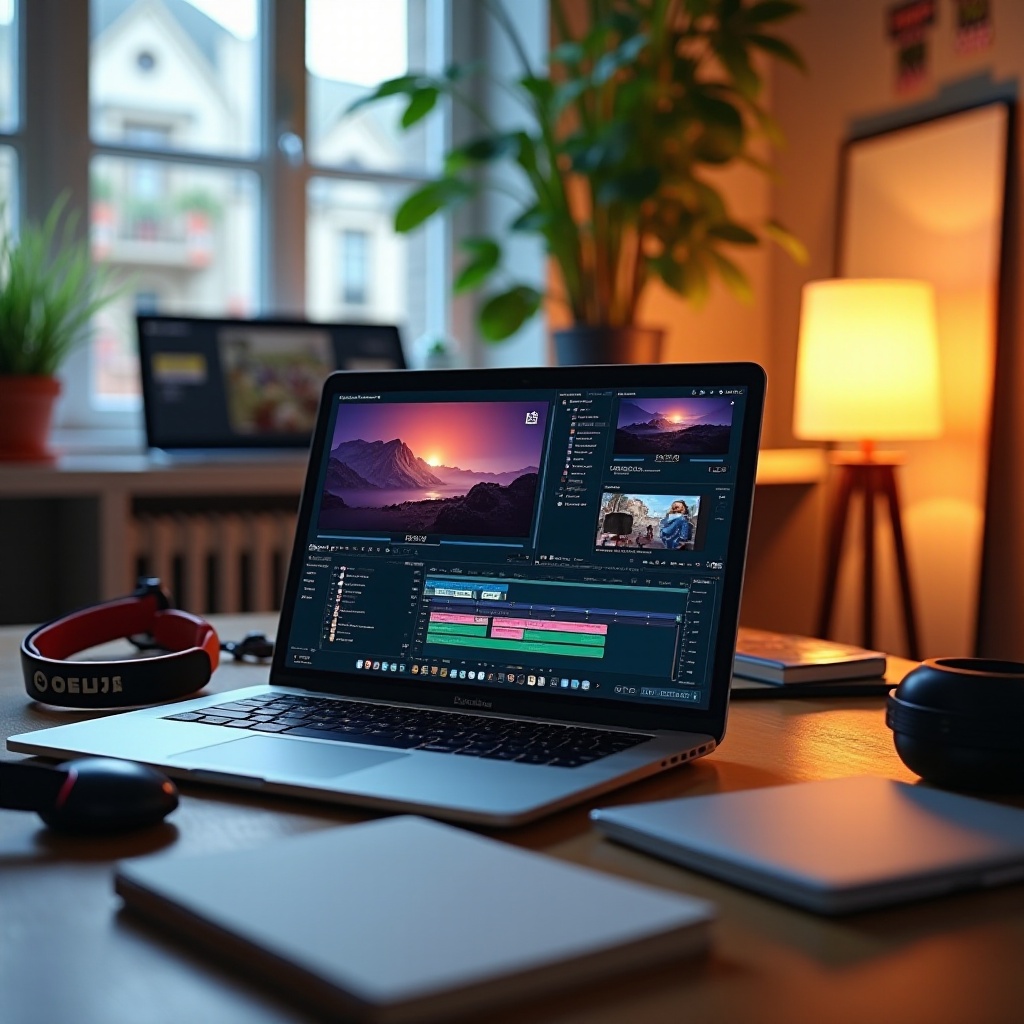
Choosing the ideal laptop involves a few critical factors that can make or break your editing experience:
-
Processor and RAM for Optimal Performance: A strong processor, such as the AMD Ryzen 7 or Intel Core i7, is essential for running intensive applications smoothly. Pair this with a minimum of 16GB of RAM to handle multitasking with ease.
-
Importance of a Dedicated GPU: For swift rendering and seamless playback, a dedicated GPU like the NVIDIA GeForce RTX 3060 is highly recommended. It’s especially crucial when editing high-resolution content such as 4K videos.
-
Storage Solutions: SSD vs. HDD: Fast storage is a must for video editing. Solid-State Drives (SSDs) provide faster load times and quicker file transfers compared to traditional Hard Disk Drives (HDDs). Aim for at least 512GB of SSD storage, supplemented by an external drive if needed.
Before diving into specific models, understanding these components is key. Let’s explore the top choices that blend these specifications into powerful editing machines.
Top Laptops for YouTube Video Editing in 2024
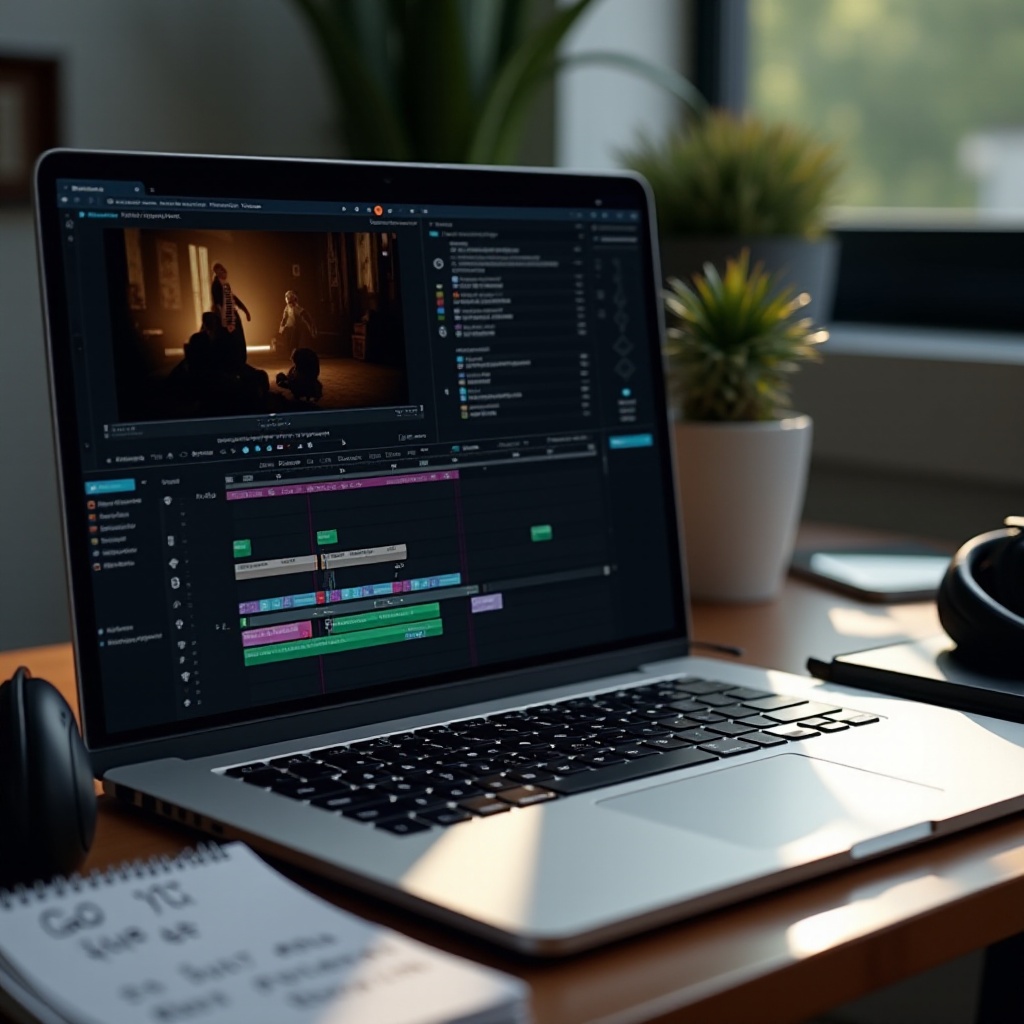
Finding the best laptop requires balancing performance and cost. Here are the leading choices in 2024:
-
Apple MacBook Pro 16-inch with M3 Chip: The MacBook Pro stands out with its stunning Retina display and unmatched speed, courtesy of the M3 chip. It’s ideal for both novice and seasoned creators.
-
Dell XPS 15 with OLED Display: This laptop combines a sleek design with impressive power. Its OLED display is perfect for accurate color grading, and the Intel Core i7 processor tackles demanding tasks effortlessly.
-
ASUS ROG Zephyrus G14: While primarily a gaming laptop, its robust GPU and AMD Ryzen processor make it a formidable choice for video editing. Plus, its portability makes it a great option for creators on the move.
Each model offers something unique, be it display clarity, processing power, or convenience. If you’re working with a tighter budget, there are still great options available.
Affordable Alternatives for Budget Conscious Creators
High-end laptops aren’t the only option for video editing. There are budget-friendly models that still deliver great performance:
-
Best Laptops Under $1000 for Video Editing: Budget options like the Acer Swift 3 and HP Pavilion 15 are equipped to handle basic editing tasks. They feature adequate processors and integrated graphics, allowing for decent performance.
-
Compromises and Considerations: Budget-friendly laptops offer sufficient performance but may struggle with more intensive tasks or high-resolution content. Expect less vibrant displays and smaller storage capacities, but these can often be bolstered with upgrades.
Transitioning from a high-end to a more economical model requires some trade-offs. However, with the right accessories and techniques, you can still produce top-notch content. Here are some tips to maximize your laptop’s editing capabilities.
Enhancing Performance: Tips and Accessories
Optimizing your laptop’s performance can further enhance your editing experience. Consider these improvements:
-
External Monitors and Keyboards: A second monitor expands your workspace, helping to manage multiple windows and tools more effectively. An external keyboard and mouse offer greater precision and comfortable editing.
-
Cooling Solutions and Laptop Stands: Video editing can generate heat. Investing in a cooling pad or an ergonomic stand can manage temperature and improve posture during long sessions.
By leveraging these accessories, you can boost your laptop’s capabilities and your comfort, fostering a more efficient workflow.
Conclusion
Selecting the best laptop for YouTube video editing involves a careful consideration of performance, features, and affordability. Whether you choose a high-end powerhouse or a budget-friendly alternative, ensure it suits your editing needs and workflow. With the right machine, your creative potential is limitless, transforming innovative ideas into captivating YouTube videos.
Frequently Asked Questions
What is the best laptop for beginners who are editing YouTube videos?
For beginners, the Dell XPS 15 offers a good balance of performance and affordability, making it ideal for learning video editing.
Can a gaming laptop be used for video editing?
Yes, gaming laptops like the ASUS ROG Zephyrus G14 are great for video editing due to their powerful GPUs and high-performance processors.
How much RAM is needed for editing 4K YouTube videos?
To edit 4K videos smoothly, it’s recommended to have at least 16GB of RAM for optimal performance and multitasking.