27 Mar 2026
Post by Seraphiel
Introduction
For those looking to enhance their PS5 gaming experience, using wireless headphones is a popular choice. AirPods Pro, known for excellent audio and noise cancellation, are ideal for many. But does the PS5 allow for such a connection? This guide will walk you through the necessary steps to connect AirPods Pro to a PS5, providing solutions and tips for an optimal gaming audio setup.
Understanding AirPods Pro and PS5 Compatibility
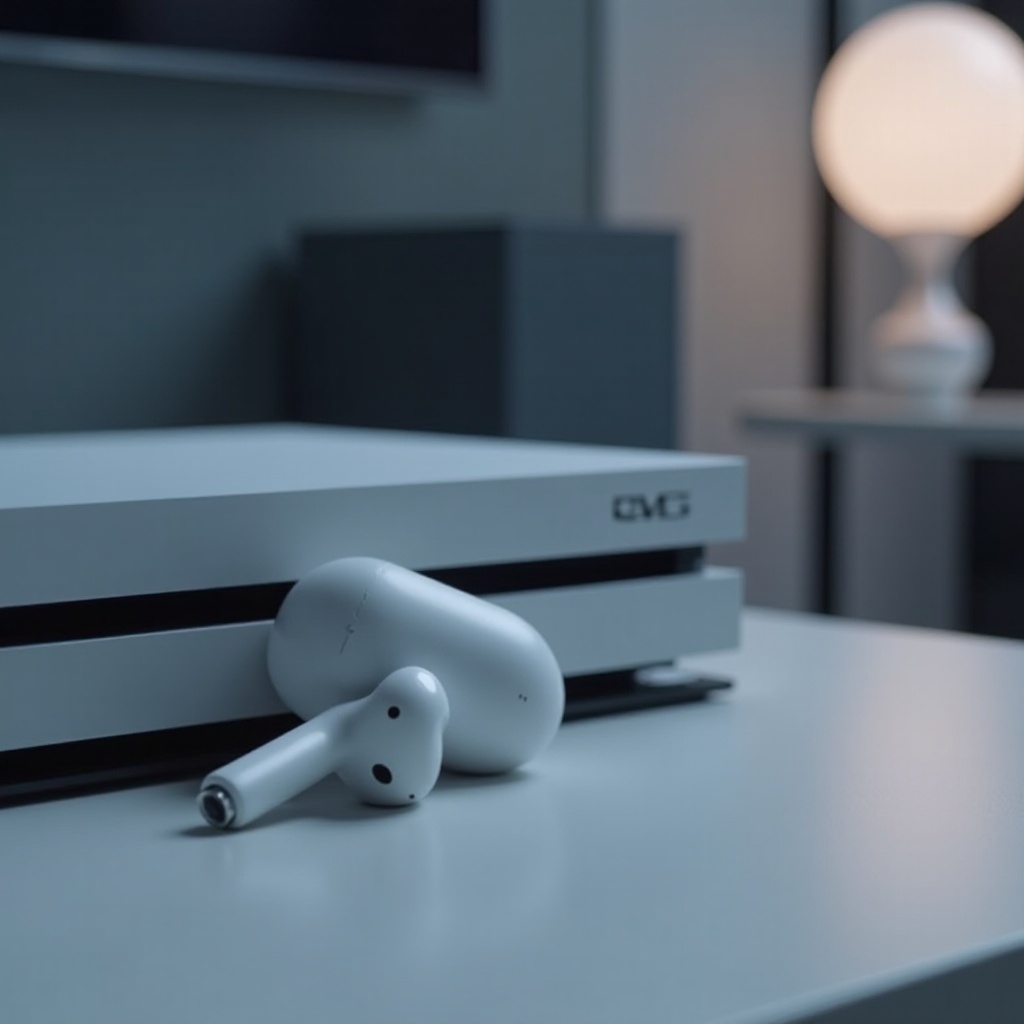
Before diving into the setup process, comprehending the compatibility between AirPods Pro and PS5 is crucial. The PS5 doesn’t support Bluetooth audio devices natively. Therefore, a Bluetooth adapter is required to bridge this gap. Recognizing this need helps set realistic expectations and prepares you for the steps ahead.
Necessary Equipment for Connecting AirPods Pro to PS5
Connecting AirPods Pro to a PS5 requires specific tools:
– Bluetooth Adapter: Purchase a low-latency Bluetooth adapter designed for the PS5.
– PS5 Setup: Ensure your PS5 system is updated with the latest firmware.
Equipping yourself with the proper tools ensures a smoother connection process. Once the tools are ready, the setup can begin.
Step-by-Step Guide to Connecting AirPods Pro to PS5
The following simple steps will guide you in connecting AirPods Pro to your PS5:
1. Preparing Your Devices: Start by charging your AirPods Pro and ensuring your Bluetooth adapter is ready.
2. Connecting the Bluetooth Adapter: Insert the adapter into the USB port of your PS5.
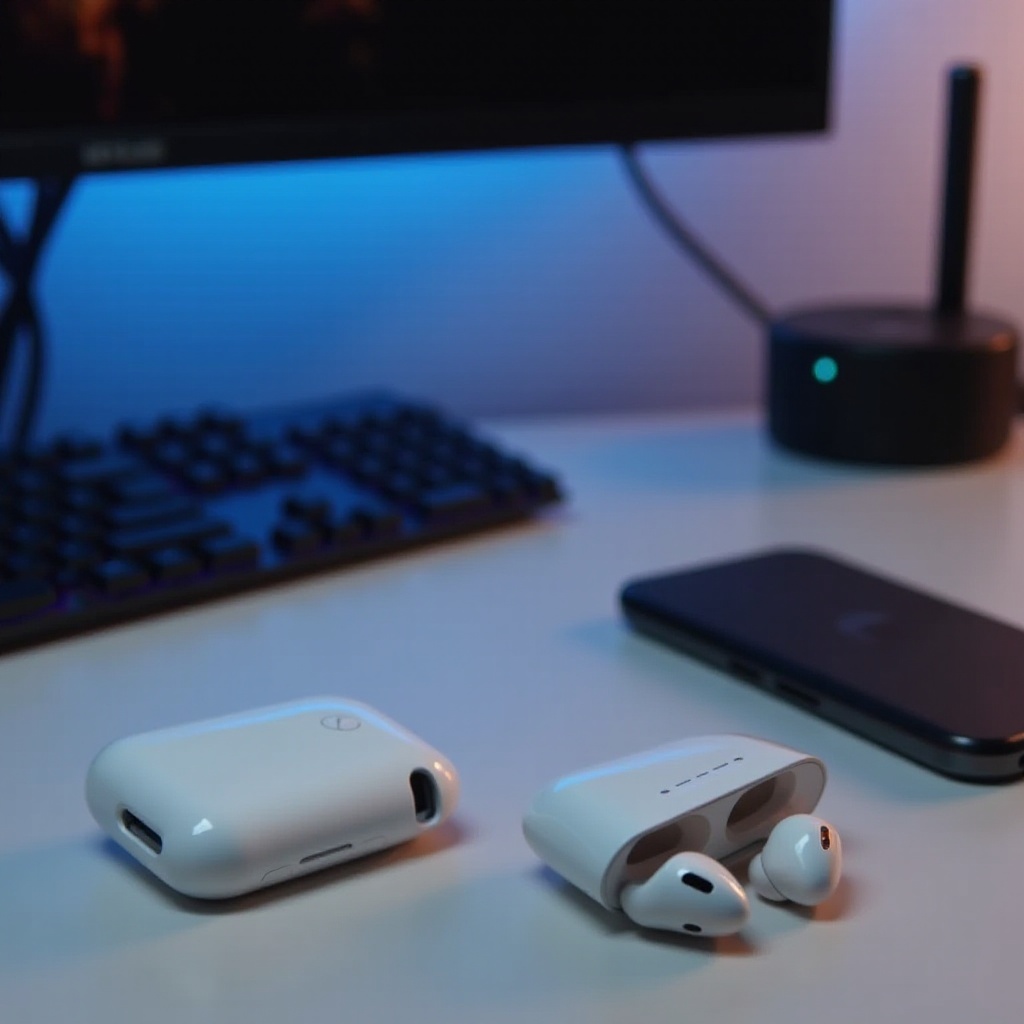
3. Pairing AirPods Pro with the Adapter: Open the AirPods Pro case, press the button at the back, and set them in pairing mode. The adapter will locate and connect to them automatically.
By following the above steps, you will enjoy wireless gaming audio.
Troubleshooting Common Issues
If issues arise, consider these troubleshooting tips:
– Fixing Connection Problems: If AirPods Pro aren’t detected, reset the adapter and AirPods, then repeat the pairing sequence.
– Resolving Audio Quality Issues: For poor audio, check for any available firmware updates for both the PS5 and the adapter and replace the adapter if necessary.
These tips resolve most common setup issues, paving the way for a seamless experience.
Enhancing Your Gaming Audio Experience
Optimizing your PS5 settings significantly enhances audio quality:
– Adjust PS5 Audio Settings: Navigate your PS5 settings to select the Bluetooth adapter as your audio output device.
– Optimizing AirPods Pro: Ensure your AirPods firmware is updated to benefit from the latest enhancements.
Proper settings customization can enhance your entire gaming experience, immersing you deeply in well-crafted audio.
Exploring Alternative Audio Options
While AirPods Pro are a popular choice, exploring other audio options might be beneficial. Consider gaming headphones specifically designed for PlayStation, which may offer features like surround sound, crucial for gaming, with no latency issues. Alternatively, wired connections utilizing the PS5’s audio jack through the controller may offer the steady audio experience you are looking for.
Conclusion
Connecting AirPods Pro to a PS5 expands your possibilities for flexible and comfortable gaming. By following these steps and guidelines, anyone can enjoy rich, wireless audio while playing their favorite games on the PS5.
Frequently Asked Questions
Can I use other Bluetooth headphones with my PS5?
Yes, using the same method with a compatible Bluetooth adapter will enable connection of other Bluetooth headphones.
Does using a Bluetooth adapter affect audio quality?
Audio quality depends on the adapter used. A low-latency adapter is recommended to maintain high-quality sound.
Are there any latency issues when using AirPods Pro with PS5?
Bluetooth devices may have slight latency. Using a quality adapter can help minimize this issue.